
# Edit a place in Map Pro
You can update any place on your shared Map Pro map in Microsoft Teams at any time. Editing a place is useful when an address changes, a title needs to be clearer, or you want to add detail to the description. Every change you save is reflected on the map for everyone who can open the tab.
# Edit a place
- 1
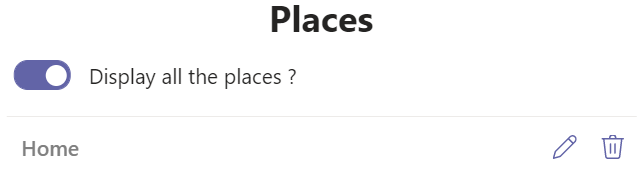
Open your Map Pro tab, then click the Places icon at the top right to open the Places panel.
- 2
Find the place in the list and click its edit icon. The form opens with the current details.
- 3
Update the Title, Address, or Description as needed. Searching a new address moves the pin to the new location.
- 4
Click Save. The updated pin appears on the map for everyone who can open the tab.
Changing the Address re-pins the place. If the Save button stays disabled, select a valid address from the suggestions before saving.